
Transfer Contacts to New SIM UK Guide - SIM Only Offers
Learn how to transfer contacts to new SIM in the UK easily. Step-by-step guide for Android, iPhone, and SIM switching without losing data.
4/22/20265 min read
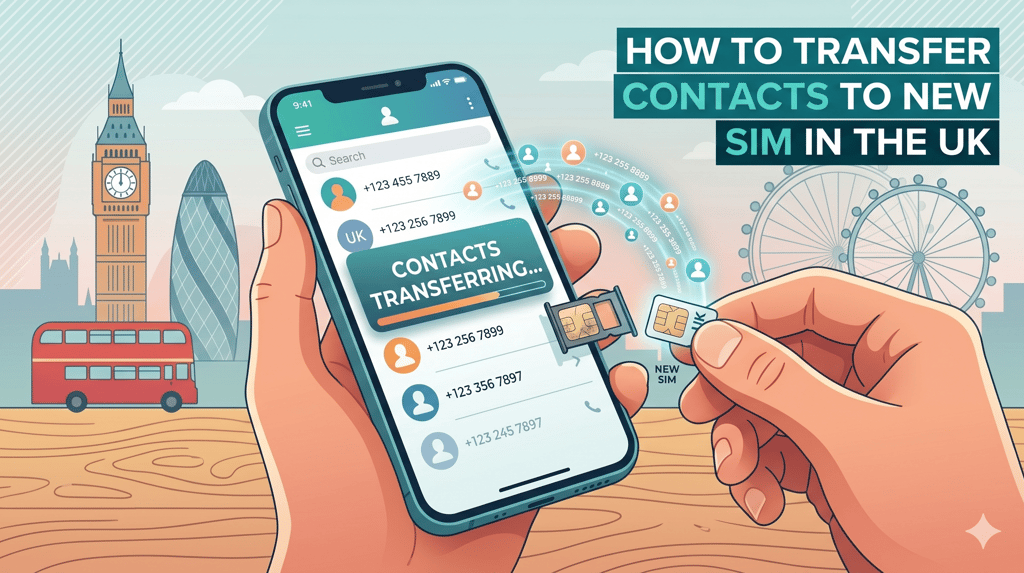
Switching to a new SIM card is common in the UK, especially when users are upgrading their sim only deals, changing providers, or moving to better mobile plans uk. However, one of the biggest concerns people face during this process is how to safely transfer contacts to new sim without losing important phone numbers.
Whether you’re changing networks or simply replacing a damaged SIM, learning how to properly transfer contacts to new sim ensures a smooth transition without losing your data. In this guide, we’ll walk through everything step-by-step so you can easily manage your contacts when dealing with a changing sim card situation.
Why Transferring Contacts Matters When Changing SIM Cards
When you insert a new SIM card in the UK, your contacts may not automatically appear. This is why it’s important to transfer contacts to new sim before or after swapping your SIM.
Many users assume contacts are stored on the phone, but older devices often save them directly on the SIM. That’s why knowing how to transfer contacts to new sim becomes essential when switching networks or using new sim card uk options.
If you are moving to better mobile plans uk or upgrading through switching mobile providers uk, this step ensures you don’t lose important information.
Step 1: Check Where Your Contacts Are Stored
Before you transfer contacts to new sim, check where your contacts are saved:
On your SIM card
On your phone memory
On your Google or Apple account
Most modern phones encourage users to how to save contacts to google account, which makes the process much easier when switching devices or SIM cards.
If your contacts are already backed up to Google or iCloud, the process to transfer contacts to new sim becomes much simpler.
Step 2: Copy Contacts from SIM to Phone
One of the easiest ways to start the process is to copy contacts from sim to phone before inserting your new SIM.
On Android:
Open Contacts app
Go to Settings
Select Import/Export
Choose copy contacts from sim to phone
On iPhone:
You may need to import SIM contacts into iCloud or your device memory
This step ensures that when you transfer contacts to new sim, your numbers are safely stored on your device first.
Step 3: Move Contacts to New Phone (If Upgrading Device)
If you’re also upgrading your phone while changing your SIM, you will need to move contacts to new phone.
This is common when users switch devices while getting a new sim card uk or upgrading through sim only deals.
You can:
Use Google account sync
Use Apple iCloud
Transfer via Bluetooth
Use manufacturer tools (Samsung Smart Switch, etc.)
Once done, it becomes easier to transfer contacts to new sim without missing any data.
Step 4: Sync Contacts with Google Account
One of the safest methods is to how to save contacts to google account.
This ensures that even if you change your SIM or phone, your contacts remain safe in the cloud.
Benefits:
Automatic backup
Easy recovery
Works when you transfer contacts to new sim
Useful when switching mobile plans uk
Once synced, you can easily restore contacts on any device and continue using them after changing sim card.
Step 5: Insert the New SIM Card
Now you are ready for the actual changing sim card process.
Steps:
Turn off your phone
Remove old SIM
Insert new SIM card
Restart your device
After this, your network may ask you how to activate sim card. Follow the instructions from your UK provider.
Once activated, you can complete the final step to transfer contacts to new sim.
Step 6: Transfer Contacts to New SIM Card
Now comes the most important step actually completing the transfer contacts to new sim process.
On Android:
Go to Contacts
Choose Import/Export
Select “Export to SIM”
This ensures your contacts are successfully moved.
On iPhone:
Use iCloud or export methods since direct SIM storage is limited
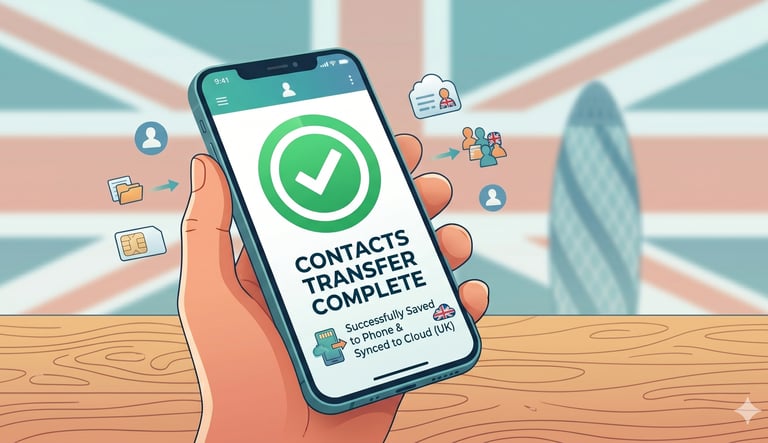
At this stage, you have successfully completed the transfer contacts to new sim process and can safely use your new network.
Step 7: Move Contacts Between Devices (If Needed)
If you are switching phones at the same time, you may also need to transfer contacts between phones.
Common methods include:
Google Sync
Apple iCloud
Bluetooth sharing
SIM transfer (limited contacts)
This is especially useful when users are upgrading while also switching sim only deals or exploring new mobile plans uk.
Once completed, you can still transfer contacts to new sim without losing any information.
Step 8: Android to iPhone Contact Transfer
If you are switching platforms, you may need to move contacts android to iphone.
Steps:
Use Google account sync
Use Apple “Move to iOS” app
Export contacts manually
This helps ensure your data stays intact before you transfer contacts to new sim.
Step 9: iPhone to Android Contact Transfer
If you are doing the opposite, you will need to transfer contacts iphone to android.
You can:
Sync with Google account
Use SIM export
Use third-party apps
Once completed, you can safely proceed to transfer contacts to new sim on your Android device.
Common Problems When Transferring Contacts
Many users struggle when trying to transfer contacts to new sim, especially if:
Contacts are not saved properly
SIM memory is full
Devices are not synced
These issues often appear during changing sim card or switching mobile providers uk.
To avoid problems, always back up before you transfer contacts to new sim.
Best Practices for SIM Switching in the UK
When dealing with sim card uk changes, follow these tips:
Always back up contacts
Use Google or iCloud sync
Check how to how to activate sim card
Confirm your mobile plans uk are active
Double-check before you transfer contacts to new sim
These steps ensure a smooth experience when moving to new sim only deals or upgrading providers.
FAQs
How do I transfer contacts to a new SIM card in the UK?
To transfer contacts to new SIM, go to your phone’s Contacts app, choose Import/Export, and select “Export to SIM” (Android) or use iCloud/Google sync (iPhone). This ensures your numbers are safely moved before or after a changing SIM card process.
Will I lose my contacts when changing SIM cards?
No, you won’t lose your contacts if they are saved on your phone or cloud. Before you transfer contacts to new SIM, always check if your contacts are stored on Google, iCloud, or device memory rather than just the SIM card.
What is the easiest way to back up contacts before switching SIM cards?
The easiest method is to how to save contacts to google account. Once synced, your contacts are automatically backed up and can be restored when you transfer contacts to new SIM or switch devices under new sim only deals or mobile plans UK.
Can I move contacts between Android and iPhone when changing SIM?
Yes, you can transfer contacts between phones using Google sync, iCloud, or apps like “Move to iOS.” This is especially helpful before you transfer contacts to new SIM when switching between Android and iPhone devices.
Why are my contacts not showing after inserting a new SIM card?
This usually happens if your contacts were stored on the old SIM or not backed up properly. To fix this, you should copy contacts from SIM to phone or restore them from Google/iCloud before you transfer contacts to new SIM during a changing SIM card process.
Learning how to transfer contacts to new sim is essential whenever you upgrade your phone, switch networks, or move to better mobile plans uk.
By following the steps above, you can safely manage your data whether you are:
Doing a changing sim card process
Moving contacts between devices
Or switching through sim only deals
Most importantly, always back up your contacts before you transfer contacts to new sim so you never lose important information.
With the right preparation, the process of transfer contacts to new sim becomes quick, easy, and stress-free in the UK.
SIM ONLY OFFERS
Get in touch for more information today.
Follow
info@simonlyoffers.co.uk
© 2026. All rights reserved.
Support